Guide
WireGuard never answers a stranger. That is the whole problem.
A WireGuard server drops every packet it cannot authenticate, without a word. That is good security and it breaks every monitor that waits for a reply. This is what Nightbell checks instead, and where that check runs out.
Why the usual checks get it wrong.
A TCP port check says down every time, because WireGuard only speaks UDP and nothing is listening on TCP 51820. People ran into exactly that with Nightbell's own TCP check, which is why it has a UDP check now.
A UDP check that waits for a reply also says down every time. A healthy server and a dead one look the same from outside: nothing comes back. The only packet you can get out of it without the keys is the kernel saying the port is closed.
Ping tells you the machine is up. It says nothing about whether WireGuard is running on it.
netcat shows the whole difficulty in two lines. Against the WireGuard port it reports success, which only means nothing refused it within three seconds. Against a port with nothing behind it, it fails, because the kernel refused it straight away.
$ nc -vzu -w 3 127.0.0.1 51820
Connection to 127.0.0.1 51820 port [udp/*] succeeded!
$ nc -vzu -w 3 127.0.0.1 51821
$ echo $?
1
That success is a guess, and it is the same guess a powered-off host earns from far enough away. Silent mode makes the same reading and then asks the host for a ping before it calls anything up.
Silent mode reads the one signal there is.
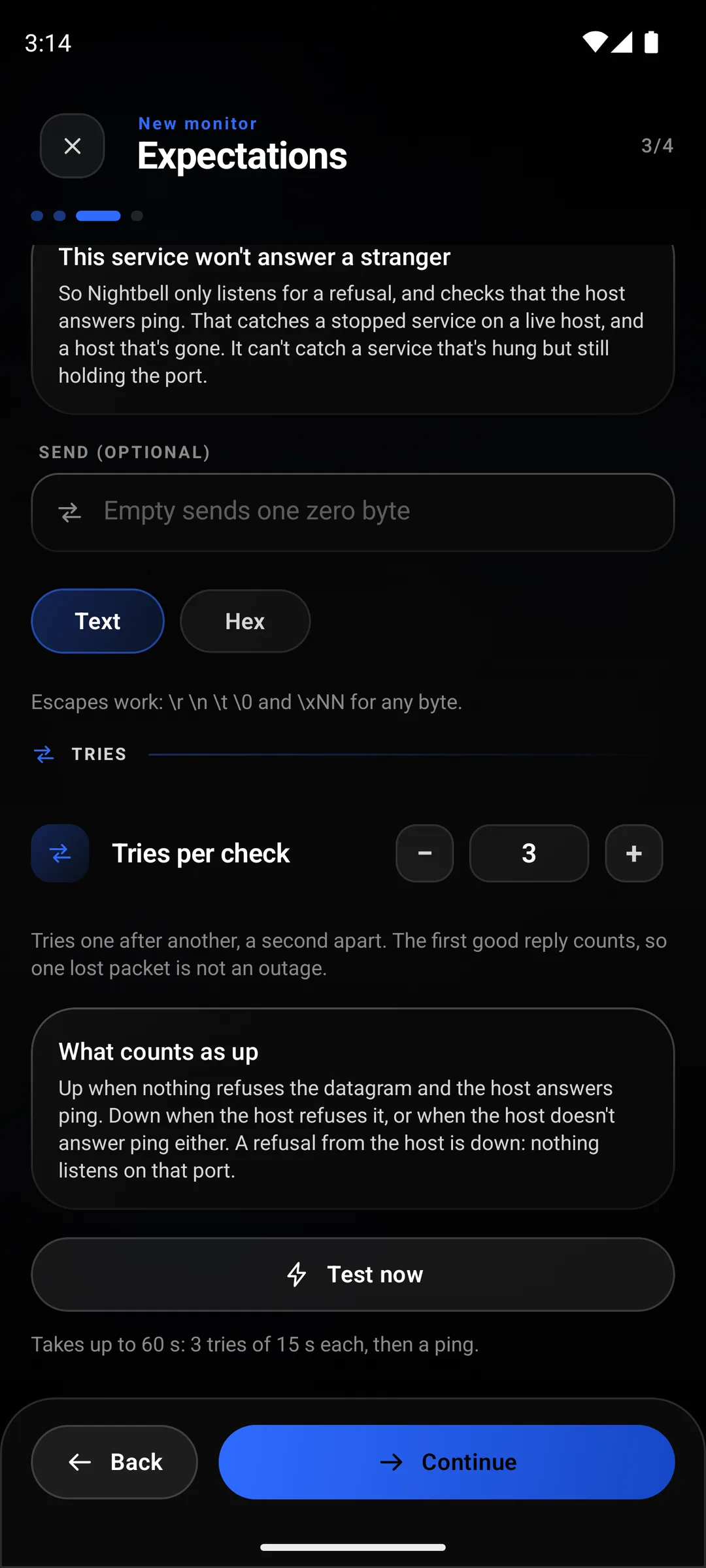
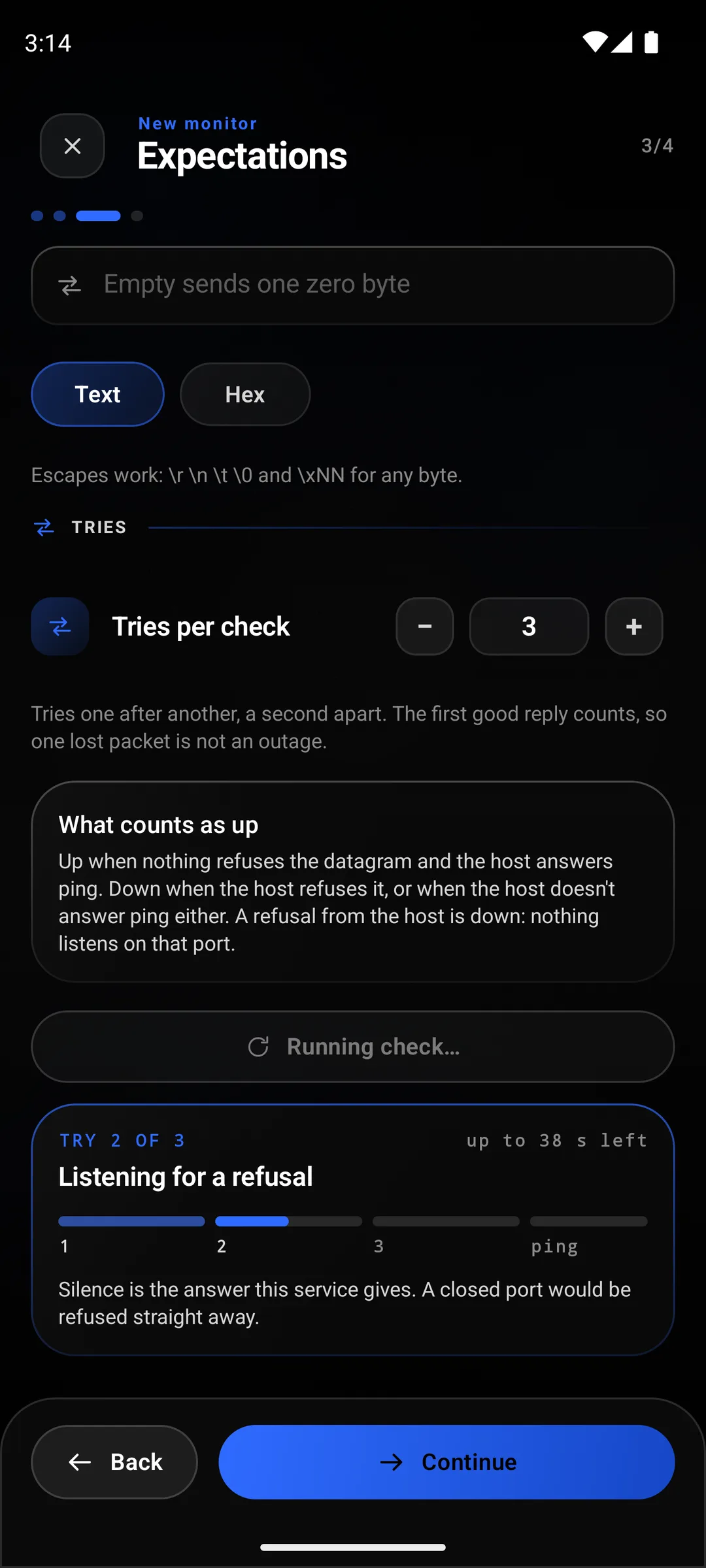
Nightbell sends a datagram to the port and listens for two different kinds of nothing. If nothing is bound to the port, the host sends back an ICMP port unreachable, and that is a real answer: the check goes down and says the port is closed. If no refusal comes, something is holding the port, so it pings the host in the same check. A reply there means the host is alive and the port is taken, and the monitor reads Not refused, host answers ping.
If neither comes back, it goes down and says it cannot tell, because silence is also what a host that has fallen off the internet sounds like.
- Nothing on the port: Down at once: port closed.
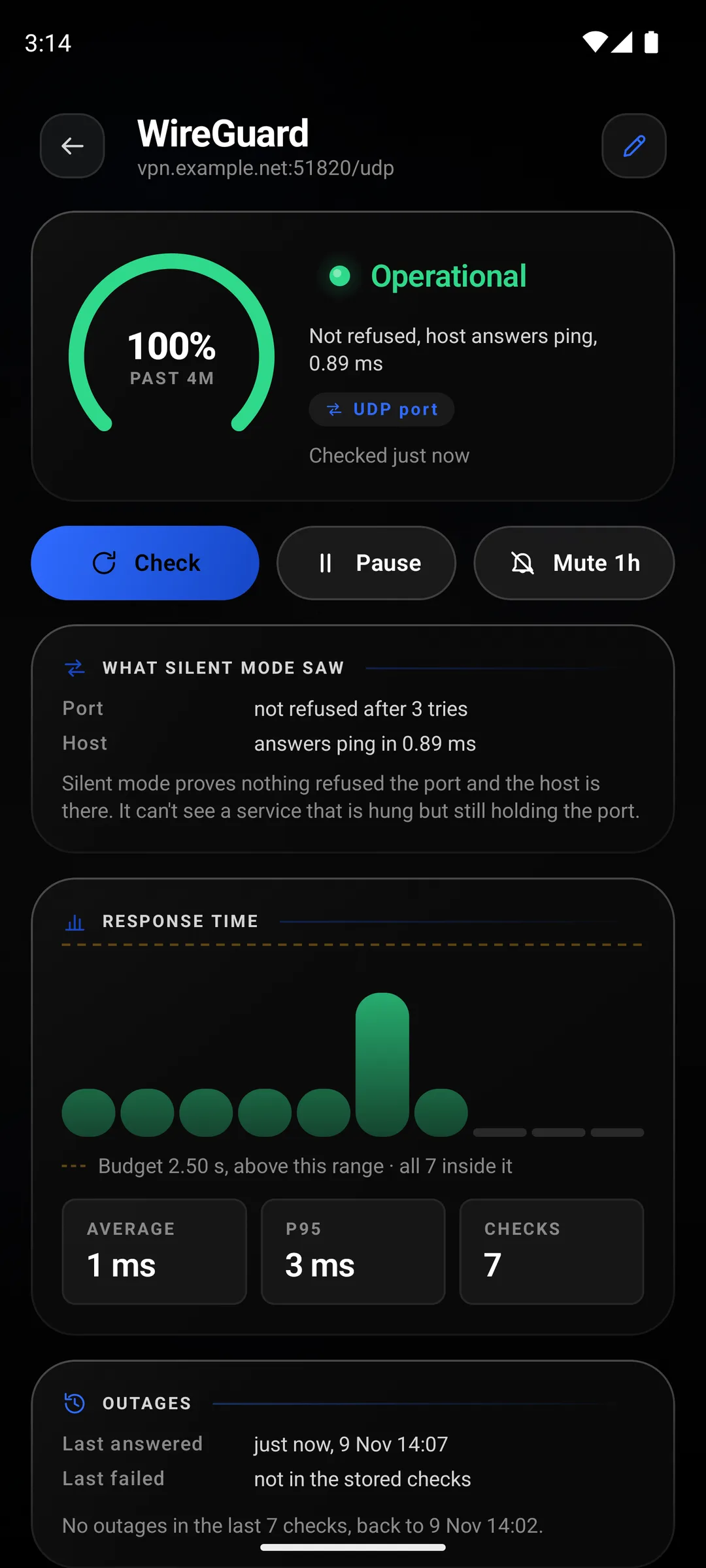
- WireGuard running: Up after about 45 s: not refused, host answers ping.
- Host gone: Down after 60 s: no refusal and no ping reply.
- A refusal
- UDP port 51820 closed on vpn.example.net
The host is up and nothing listens on the port. WireGuard is stopped, or listening somewhere else.
- No refusal, ping answers
- Not refused, host answers ping
Something holds the port on a live host. Almost always WireGuard, though see below for what this cannot rule out.
- No refusal, no ping
- No refusal and no ping reply
The host is down, unreachable from where the phone is, or drops ping. The monitor says it cannot tell which.
- 01
Add a UDP port monitor
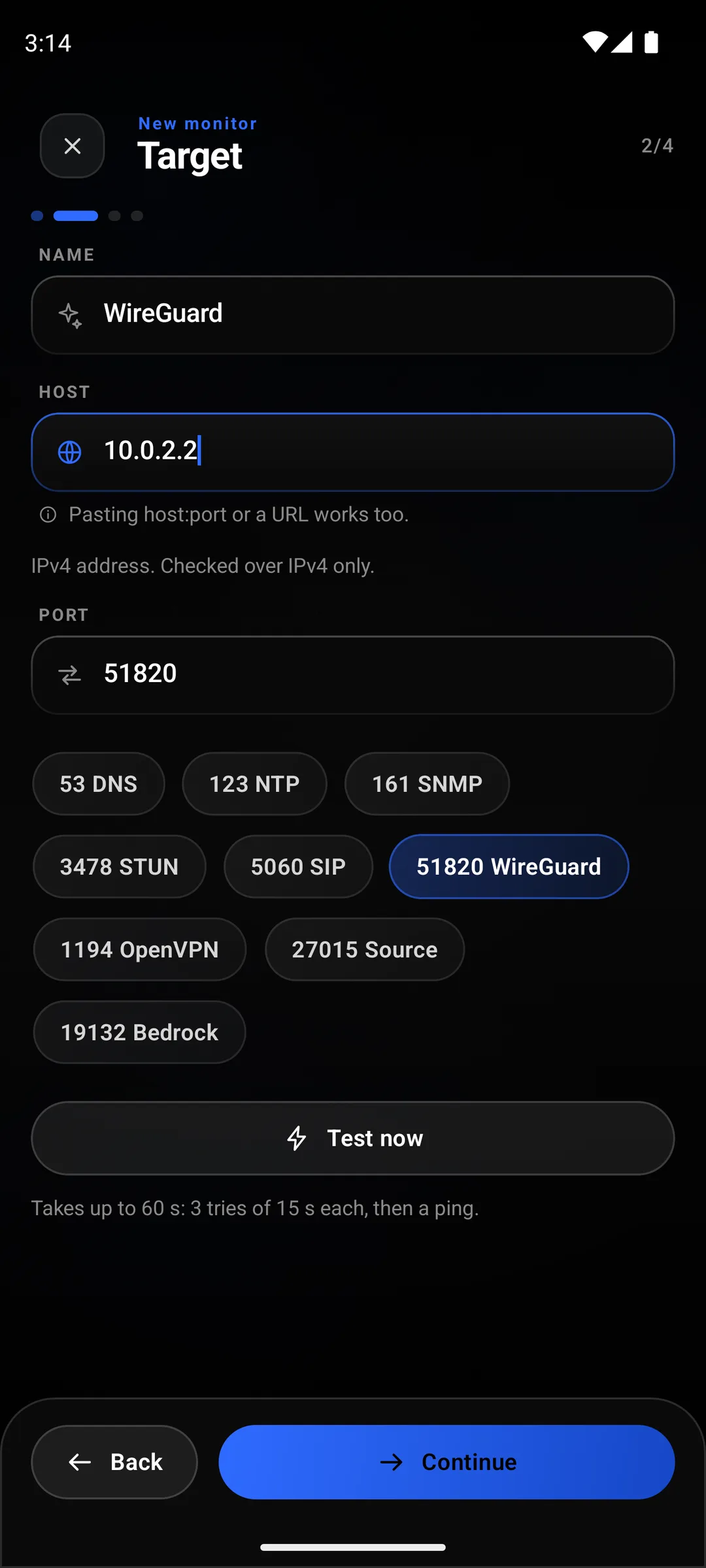
The host is the server's public address or name, the same one your peers use.
- 02
Tap the WireGuard chip
It fills in 51820 and switches the probe to silent. If your server listens on another port, type that port and pick silent yourself.
- 03
Make sure the host answers ping
Silent mode leans on it. A server whose firewall drops ICMP echo will always read as "cannot tell", and the monitor will say exactly that rather than guess.
What the server knows that the phone cannot.
When the monitor says up and you want to be sure, ask the server. wg show prints the port it holds, and for each peer the last handshake, which is the one thing that proves the tunnel is actually used.
$ wg show
interface: wg0
  public key: LJ6+rcLI/eA3loa4AbUNYRjPENIiVeiWvSLiCmOYUys=
  private key: (hidden)
  listening port: 51820

peer: EYCLNdBaxd9/KoqOwAPf+xA+rheesqtvJnbEZywzvD0=
  preshared key: (hidden)
  allowed ips: 10.13.13.2/32
No latest handshake line under the peer: nobody has connected yet. Silent mode reads this server as up, correctly, because the port is held. Whether peers get in is a question only the inside of the tunnel can answer.
What silent mode cannot see.
A process that is hung but still holds the port. The kernel keeps the port bound, so there is no refusal, and the host still answers ping. It reads as up. This is the weakest "up" any check in the app gives, and the app words it that way on purpose.
A server that accepts the handshake and routes nothing. Forwarding switched off, a wrong AllowedIPs, a dead upstream. From outside the tunnel all of that looks healthy. The only way to see it is from inside: a check on something you can only reach through the tunnel, run while the phone is connected to it.
A refusal that never arrives. Down depends on the host's ICMP port unreachable getting back to the phone. If something on the way swallows it, a stopped server looks exactly like a running one. I could not show you the down screen here for that reason: the Android emulator's network drops those packets, so the stopped container in this test still read as up. A real network normally passes the refusal back, and Nightbell's own tests check that path against a server on the device itself.
Anything while your phone is off. The checks run on the phone. That is the price of having no server, and the other pages are honest about it too.